

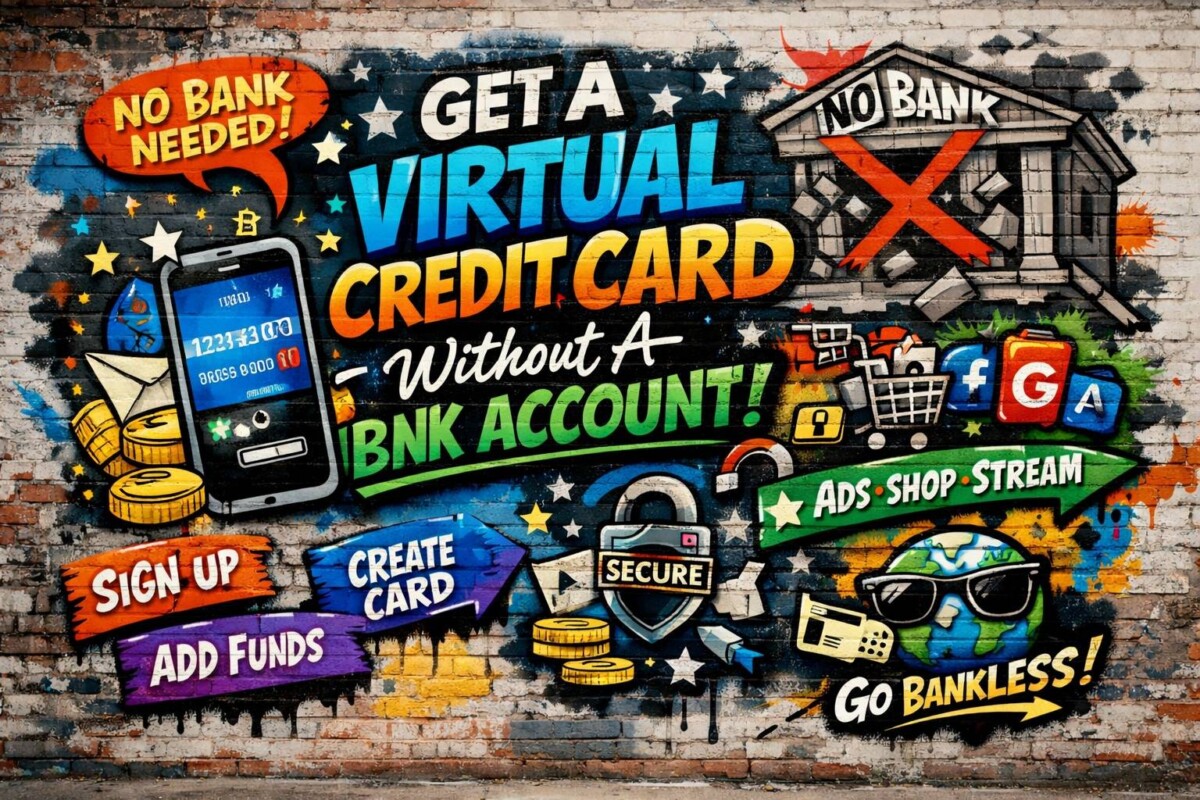
Getting access to online payments used to mean one thing: opening a traditional bank account. But things have changed fast. Today, virtual credit cards give you the same power—without the hassle of banks, paperwork, or long waiting times. Whether you’re a freelancer, a digital marketer, or just someone who shops online, this guide will show you exactly how to get started.
In this step-by-step guide, you’ll learn how to create a virtual credit card without a bank account, how it works, and how to use it safely and effectively in real life.
What Is a Virtual Credit Card?
A virtual credit card is a digital payment card that works exactly like a physical credit card, but it exists only online. Instead of receiving a plastic card, you get your card number, expiration date, and CVV instantly on your screen. You can use it for online purchases, subscriptions, and even ad campaigns without ever touching a physical wallet.
The main advantage is flexibility and security. Since it’s digital, you can create multiple cards, set limits, or even delete them anytime. This makes it perfect for managing different payments or protecting yourself from fraud. In short, it’s a smarter, faster way to handle online transactions.
Can You Really Get One Without a Bank Account?
Yes, and this is one of the biggest shifts in modern finance. Fintech platforms have made it possible to issue virtual cards without requiring a traditional bank account. Instead of relying on banks, these platforms use alternative systems like prepaid balances or crypto funding.
This opens the door for millions of people worldwide who either don’t have access to banks or prefer not to use them. It also removes common barriers like credit checks, long approvals, or strict requirements. As a result, getting a virtual card has become faster, easier, and more accessible than ever before.
Step-by-Step: How to Get a Virtual Credit Card Without a Bank
This process is designed to be simple and fast, even if you’ve never used a financial tool like this before. Most platforms have streamlined everything so you can go from zero to a working card in just a few minutes. You don’t need technical knowledge—just follow the steps below.
Each step builds on the previous one, so by the end, you’ll have a fully functional virtual card ready to use online. Let’s break it down clearly.
Step 1: Choose a Virtual Card Provider
The first and most important step is selecting the right provider. Not all platforms offer the same features, so you want one that supports your country, offers free cards, and doesn’t require a bank account. A good provider will also give you instant access and a simple dashboard to manage your cards.
Take a moment to compare options before signing up. Look for user reviews, supported payment methods, and whether the card works for your intended use (ads, subscriptions, etc.). Choosing the right platform from the start will save you a lot of trouble later.
Step 2: Sign Up (Takes 2–3 Minutes)
Once you’ve chosen a provider, the sign-up process is usually very quick. Most platforms only require your email and a password to get started. Unlike traditional banks, there’s no need for lengthy forms or physical visits.
This step is designed to be frictionless so anyone can create an account in minutes. After signing up, you’ll typically gain access to a dashboard where you can manage your cards, balances, and transactions easily.
Step 3: Verify Your Account (If Needed)
Some platforms may ask for basic verification to unlock full features. This could include confirming your email or uploading a simple ID. However, many providers allow you to start with limited access even without full verification.
Verification helps increase your limits and improves security. While it might feel like an extra step, it’s usually quick and worth completing if you plan to use your card regularly. Think of it as unlocking the full potential of your account.
Step 4: Create Your Virtual Card
After logging in, you’ll find an option like “Create Card” or “Generate Virtual Card.” With just one click, your card details will be created instantly. This includes your card number, expiration date, and CVV.
Some platforms also allow customization, like setting spending limits or choosing between Visa and Mastercard. This flexibility gives you control over how the card is used, making it safer and more practical for different purposes.
Step 5: Fund Your Card
Since you’re not using a bank account, you’ll need an alternative way to add balance. Many platforms support crypto deposits, prepaid credits, or third-party payment options. This gives you flexibility depending on what’s available in your region.
Funding is usually fast, and once your balance is added, it becomes available immediately. This means you can move quickly from setup to actual usage without delays.
Step 6: Start Using It Online
Now comes the best part—using your card. You can enter your virtual card details on any website that accepts online payments. It works just like a normal credit card, whether you’re buying something or subscribing to a service.
This is where virtual cards shine. You can create separate cards for different uses, cancel them anytime, and stay in full control of your spending. It’s a powerful tool for anyone operating online.
Why People Are Switching to Virtual Cards
Virtual cards are becoming the go-to solution for online payments, and it’s easy to see why. They remove the dependency on banks and give users more flexibility and speed. In a world where everything is moving online, this kind of control is essential.
They also provide a higher level of privacy and security. Instead of exposing your main financial details, you can use temporary or limited cards. This reduces the risk of fraud and makes managing money much easier.
Pro Tips to Use Virtual Cards Like a Pro
To get the most out of virtual cards, it’s important to use them strategically. Many experienced users create multiple cards for different purposes—one for subscriptions, another for ads, and another for shopping. This keeps everything organized and secure.
You should also take advantage of features like spending limits and disposable cards. These tools help you avoid unexpected charges and give you full control over your finances. With a few smart habits, you can turn a simple virtual card into a powerful financial tool.
Top Use Cases for Virtual Cards in Business
Virtual cards aren’t just for personal use—they’ve become a powerful tool for businesses of all sizes. From startups to large companies, digital cards help streamline payments, improve control, and reduce financial risks. Instead of relying on one shared company card, businesses can issue multiple virtual cards tailored to specific needs.
This approach gives better visibility into spending, reduces fraud, and simplifies accounting. Whether it’s managing subscriptions or controlling ad budgets, virtual cards bring efficiency and structure to modern business operations.
Use Cases for Virtual Cards in Business: Summary
Digital cards transform how businesses handle transactions across multiple scenarios:
- Employee spending management: Assign individual cards to employees with predefined spending limits, making it easy to track and control expenses without micromanaging every transaction.
- Subscription and SaaS payments: Use dedicated cards for each tool or platform to avoid billing confusion and easily cancel or replace cards when needed.
- Travel expense handling: Provide temporary cards for business trips, ensuring controlled spending while keeping all transactions transparent.
- Marketing and media buying: Create separate cards for ad platforms like Facebook and Google to manage budgets, reduce bans, and track campaign spending precisely.
- Supplier and vendor payments: Simplify B2B transactions by issuing secure, trackable payment methods for each vendor.
- Departmental budget allocation: Assign specific budgets to different teams by giving each department its own virtual card, improving financial organization.
Ready to Get Your Free Virtual Card?
If you’ve made it this far, you already understand how powerful and easy virtual cards can be. The best part? You don’t need a bank account, and you don’t have to pay any fees to get started. Everything can be done in minutes from your device.
// Click here to create your FREE virtual credit card now – no bank account, no fees, instant access.
Take control of your online payments today and start using a smarter, faster, and safer way to pay online.
Frequently Asked Questions (FAQs)
1. Can I really get a virtual credit card for free?
Yes, many modern platforms offer completely free virtual cards with no setup fees or monthly charges. However, always check if there are any hidden costs like transaction fees or currency conversion fees. The best providers are transparent and allow you to start using your card without paying anything upfront.
2. Do I need to verify my identity to use a virtual card?
Not always. Some platforms allow you to create and use a virtual card with minimal or no verification, especially for small transactions. However, completing identity verification usually increases your spending limits and unlocks more features, making it a good idea for long-term use.
3. Where can I use a virtual credit card?
You can use a virtual card anywhere online that accepts standard credit or debit cards. This includes eCommerce websites, subscription services, advertising platforms, and digital tools. As long as the platform supports online payments, your virtual card should work بدون مشاكل.
4. Is it safe to use a virtual credit card?
Yes, virtual cards are often safer than physical cards. Since they are digital, you can create temporary or disposable cards for specific transactions. This reduces the risk of fraud and protects your main balance. Many platforms also offer features like spending limits and instant card freezing for extra security.
5. What happens if my virtual card gets declined?
If your card is declined, it’s usually due to insufficient balance, unsupported merchants, or restrictions set by the provider. First, check your balance and card settings. If everything looks fine, try using another virtual card or contact the provider’s support team for help. Most issues can be resolved quickly.
