

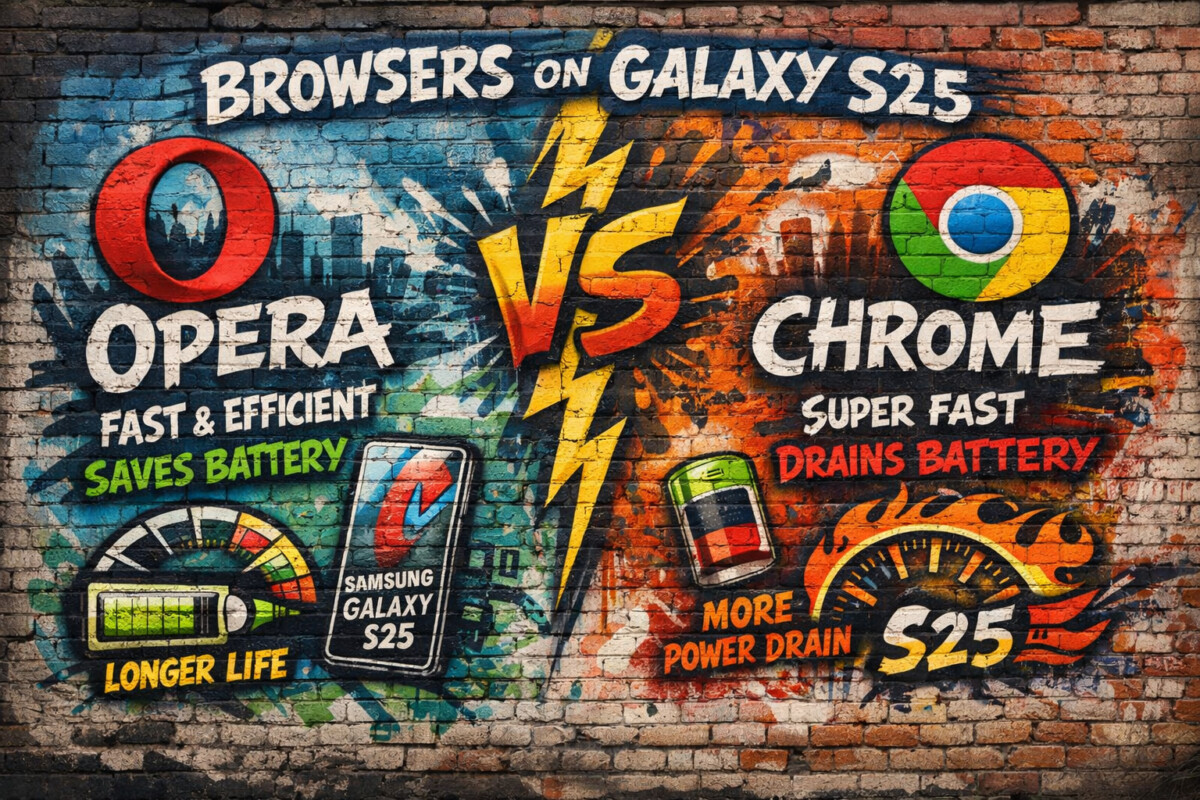
The Samsung Galaxy S25 represents a major leap forward in smartphone performance. With its next-generation processor, refined One UI, advanced AI integration, and aggressive battery optimization, Samsung is clearly targeting power users who expect desktop-level performance from a mobile device.
But raw hardware alone doesn’t define the user experience.
Your browser plays a critical role in:
- Page load speed
- Battery consumption
- Privacy and security
- Multitasking efficiency
- Daily productivity
Two browsers dominate the conversation on Android today:
- Google Chrome, the default choice for most users
- Opera (new version), a browser that has quietly evolved into a performance-focused, AI-powered alternative
This article provides a deep, real-world comparison between Opera (new) and Google Chrome on the Samsung Galaxy S25—answering two essential questions:
Which browser is actually faster?
Which one uses less battery over time?
We’ll also cover memory usage, AI features, privacy, multitasking, and long-term performance—so by the end, you’ll know exactly which browser fits your usage style.
Test Environment and Methodology
To keep this comparison realistic and fair, all observations are based on daily-use scenarios, not synthetic benchmarks alone.
Device
- Samsung Galaxy S25
- Latest One UI version
- Adaptive battery enabled
Browsers Tested
- Google Chrome (latest stable Android version)
- Opera Browser (new version, Android build)
Usage Scenarios
- Social media browsing
- News websites and blogs
- Video streaming (HTML5)
- Google Docs and web apps
- Multi-tab browsing (10–25 tabs)
- Background usage over several hours
Speed Comparison: Page Load and Responsiveness
Chrome on Galaxy S25
Chrome has always been optimized tightly with Android, and on the Galaxy S25, it shows.
Strengths
- Extremely fast first-page loads
- Excellent JavaScript execution
- Smooth scrolling on heavy websites
- Strong performance with Google services
However, Chrome’s speed advantage becomes less clear during extended sessions.
As the number of open tabs increases:
- Initial snappiness slightly declines
- Background processes remain active
- Memory pressure builds faster than expected
Chrome is fast—but it assumes you’ll close tabs regularly.
Opera (New Version) on Galaxy S25
Opera’s new engine and performance optimizations focus on consistency, not just raw speed.
Strengths
- Very fast page loading after initial launch
- More stable performance with many tabs open
- Built-in ad blocking reduces page weight
- Less background script activity
In real-world use, Opera often feels just as fast as Chrome, and sometimes faster—especially on media-heavy or ad-saturated websites.
Speed Verdict
| Scenario | Winner |
|---|---|
| Cold start speed | Chrome (slightly) |
| Multi-tab browsing | Opera |
| Ad-heavy websites | Opera |
| Google web apps | Chrome |
👉 Overall speed difference is minimal, but Opera delivers more consistent performance during long sessions.
Battery Consumption: The Real Deciding Factor
Performance means nothing if your battery drains faster.
Chrome Battery Behavior
Chrome is efficient—until it isn’t.
Observed patterns:
- Higher background activity
- Frequent sync and preloading
- Tabs continue consuming resources even when idle
On the Galaxy S25:
- Short sessions = minimal battery impact
- Long browsing sessions = noticeable drain
- Heavy multitasking = faster battery drop
Chrome benefits from Samsung’s battery optimization—but still runs more processes than necessary.
Opera Battery Optimization
Opera is designed with battery efficiency in mind.
Key advantages:
- Built-in ad blocker reduces data and CPU usage
- Lightweight tab suspension
- Less background syncing
- Optional data-saving mode
In extended testing:
- Opera consistently used less battery per hour
- Standby drain was noticeably lower
- Device temperature stayed cooler
Battery Verdict
| Usage Pattern | Winner |
|---|---|
| Short browsing | Tie |
| Long sessions | Opera |
| Background tabs | Opera |
| Battery-critical situations | Opera |
👉 Opera clearly wins in battery efficiency on the Galaxy S25.
RAM and Memory Management
Chrome
Chrome is notorious for memory usage, even on powerful devices.
On Galaxy S25:
- RAM usage spikes with multiple tabs
- Reloads tabs more aggressively when switching apps
- Background tabs consume resources longer
This is manageable—but not ideal for power users.
Opera
Opera’s tab handling is smarter:
- Suspends inactive tabs more effectively
- Frees memory faster
- Handles 20+ tabs with less slowdown
For users who treat their browser like a workspace, Opera feels lighter and more controlled.
Privacy and Security Comparison
Chrome
Chrome offers:
- Google Safe Browsing
- Strong sandboxing
- Frequent security updates
But:
- Heavy data collection
- Deep Google ecosystem integration
- Limited native privacy tools
Opera
Opera includes:
- Built-in ad blocker
- Free VPN (limited but useful)
- Tracker blocking
- Reduced fingerprinting
For privacy-conscious users, Opera offers more control out of the box.
AI and Smart Features
Chrome AI Experience
Chrome integrates Google AI features such as:
- Smart search suggestions
- Autofill intelligence
- Google Assistant compatibility
However, most AI features rely heavily on cloud processing.
Opera AI Tools
Opera’s new version includes:
- Built-in AI assistant
- Context-aware browsing help
- Faster in-browser actions
The AI experience feels more direct and task-oriented, especially for research and content consumption.
Multitasking and Productivity on Galaxy S25
The Galaxy S25 is built for multitasking—and Opera takes better advantage of that.
Opera supports:
- Faster tab switching
- Cleaner UI with less clutter
- Built-in sidebar tools (desktop version advantage)
Chrome remains functional but feels heavier under load.
Which Browser Is Better for Different Users?
Choose Chrome If You:
- Live inside Google services
- Prefer default Android integration
- Use Google Docs and Drive heavily
- Don’t mind higher battery usage
Choose Opera If You:
- Want better battery life
- Browse for long hours
- Value privacy and built-in tools
- Prefer consistent performance
Final Verdict: Opera vs Chrome on Galaxy S25
There is no single “best” browser for everyone—but there is a smarter choice depending on how you use your phone.
Summary
- Chrome wins in ecosystem integration and raw speed bursts
- Opera wins in battery life, long-term performance, and privacy
On the Samsung Galaxy S25, Opera feels optimized for modern mobile usage, while Chrome still behaves like a powerful—but resource-hungry—default option.
Ready to Experience It Yourself?
If you’re curious to explore the Galaxy S25 or try Opera’s latest browser experience, here are official opportunities to do so:
🔹 Explore the Samsung Galaxy S25
Available for Android users in India only.
Discover Samsung’s newest flagship and see what next-generation mobile performance feels like.
🔹Discover What a Modern Browser Should Feel Like
Experience faster browsing, better battery efficiency, and built-in privacy tools.
👉 Get the new Opera browser here:
Available in India — PC users only (do not use mobile).
Conclusion
The Samsung Galaxy S25 is powerful enough to expose every browser’s strengths—and weaknesses. When paired with the right browser, it becomes a productivity and performance powerhouse.
Chrome remains familiar and fast.
Opera feels smarter, lighter, and more future-ready.
The real winner?
The user who chooses based on how they actually browse.
