

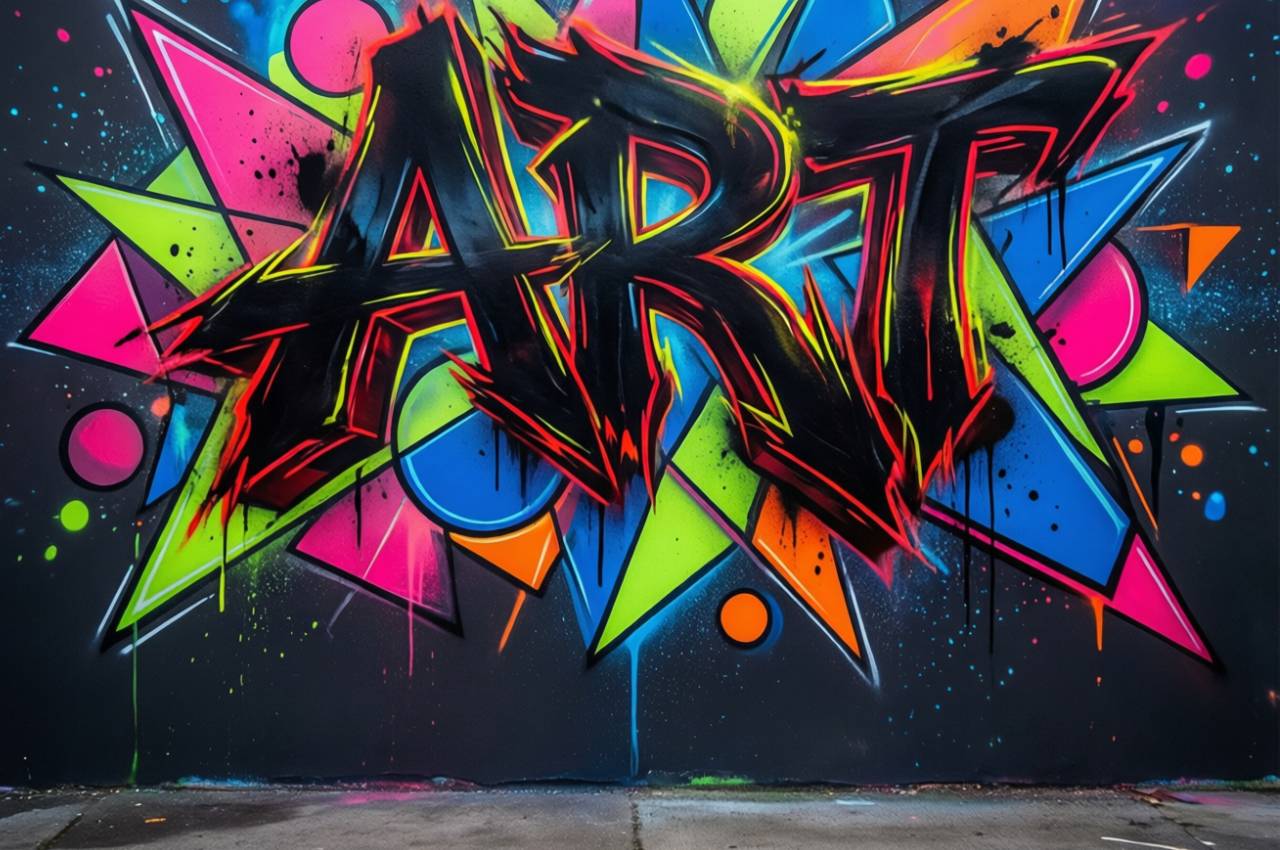
Design balance is not about making things look “pretty”; it is about creating visual order that helps users understand, navigate, and trust content. In digital magazines, tech blogs, and AI-focused platforms, layout balance directly affects readability, engagement, and conversion. The following article explores professional layout principles used across graphic design, UI/UX, and digital publishing, with practical insight, real data, and applied thinking.
Visual Balance as a Foundation
Visual balance ensures that no single element overwhelms the page, allowing the reader’s eye to move comfortably across content. Balanced layouts feel stable and intentional, even when they include complex visuals or dense information. In technology and AI content, balance helps simplify advanced concepts. Designers often use balance to reduce cognitive load and increase comprehension. A well-balanced layout builds credibility and professionalism instantly.
Symmetrical Balance
Symmetry creates order and predictability, making it ideal for corporate, technical, and educational content. It helps users feel oriented and safe while reading.
Asymmetrical Balance
Asymmetry uses contrast in size, color, and spacing to create dynamic but controlled layouts. It is widely used in modern tech magazines to add energy without chaos.
The Role of White Space
White space, also known as negative space, is one of the most misunderstood layout tools. It is not empty or wasted space; it actively improves focus and clarity. Proper white space guides users toward key messages and improves scanability. In AI and IT articles, white space makes complex diagrams and explanations easier to digest. It also increases perceived content quality.
Macro White Space
This refers to spacing between major sections and layout blocks. It helps define structure and hierarchy across the page.
Micro White Space
This includes spacing between lines, paragraphs, and elements. It improves readability and reduces visual fatigue.
Alignment and Visual Order
Alignment brings cohesion to a layout and creates invisible connections between elements. When alignment is consistent, users subconsciously trust the content more. Poor alignment, on the other hand, creates friction and confusion. In professional magazines, alignment is critical for maintaining brand authority. Grid systems are often used to enforce alignment.
Edge Alignment
Aligning text and images to consistent edges creates clean reading paths. This is essential for long-form technical content.
Optical Alignment
Optical alignment adjusts elements visually rather than mathematically. It accounts for human perception, not just geometry.
Hierarchy and Content Priority
Visual hierarchy tells readers where to look first, second, and third. It is achieved through size, color, contrast, and positioning. In AI and computer science articles, hierarchy helps break down complex ideas into manageable layers. Without hierarchy, even valuable content feels overwhelming. Strong hierarchy increases time on page.
Typography Hierarchy
Different font sizes and weights guide the reader through headlines, subheadings, and body text naturally.
Layout Hierarchy
The placement of elements on the page signals importance before any word is read.
Color Balance and Contrast
Color balance affects both aesthetics and usability. Overuse of color can distract, while underuse can make content dull. Balanced color schemes support brand identity and improve comprehension. Contrast is especially important for accessibility and screen readability. In tech-focused magazines, color is often used functionally rather than decoratively.
Functional Color Use
Colors highlight actions, categories, or key insights. This is common in dashboards and AI-related visuals.
Contrast for Readability
High contrast between text and background improves legibility and reduces eye strain.
Grid Systems and Structure
Grid systems provide an underlying structure that keeps layouts consistent and scalable. They are heavily used in editorial design and UI frameworks. Grids allow designers to experiment creatively without losing balance. For digital magazines, grids ensure consistency across different screen sizes. They are essential for responsive design.
Modular Grids
These grids divide space into consistent modules, ideal for articles with mixed media.
Flexible Grids
Flexible grids adapt to different devices while maintaining proportional balance.
Imagery and Visual Weight
Images carry significant visual weight and must be balanced carefully with text. Large or high-contrast images can dominate a layout if not managed properly. In AI and IT articles, visuals often explain concepts faster than text. Balanced imagery supports understanding rather than distraction. Image placement affects reading flow.
Image Placement
Strategic placement near relevant text strengthens comprehension and continuity.
Image Scaling
Proper scaling ensures images support content instead of overpowering it.
Typography Balance
Typography is not just about font choice; it is about rhythm, spacing, and proportion. Balanced typography improves reading speed and comprehension. In professional publications, typography reflects expertise and seriousness. Too many fonts disrupt balance and clarity. Consistency is key.
Font Pairing
Using complementary fonts creates contrast while maintaining harmony.
Line Length and Spacing
Optimal line length and spacing prevent reader fatigue and improve focus.
Responsive Balance Across Devices
Modern layouts must remain balanced across desktops, tablets, and smartphones. Responsive design ensures that visual hierarchy and balance are preserved regardless of screen size. For AI and tech audiences, mobile readability is increasingly critical. Responsive balance directly affects bounce rates. Layout decisions must anticipate multiple contexts.
Adaptive Layouts
Layouts that adjust content positioning based on screen size maintain usability.
Mobile-First Balance
Designing for small screens first ensures clarity and focus from the start.
Real Case Study
A well-known example is Medium’s editorial layout. Medium redesigned its article pages to increase white space, simplify typography, and strengthen hierarchy. As a result, users spent more time reading long-form content, especially technical and AI-related articles. The layout reduced distractions and improved reading flow, proving that balanced design directly supports deep content consumption.
Statistics
User-centered layout design can increase readability by over 30% according to UX research
Pages with proper white space show up to 20% higher user comprehension
Consistent visual hierarchy improves content engagement rates by approximately 40%
Mobile users abandon pages 50% faster when layouts are unbalanced or cluttered
Balanced typography can improve reading speed by nearly 25%
Color contrast improvements increase accessibility compliance by over 60%
Well-structured grid layouts reduce design inconsistencies by more than 35%
Common Mistakes in Layout Balance
Overcrowding the page with too many elements and visuals
Ignoring white space in favor of filling every area
Using too many font styles and sizes without hierarchy
Misaligned elements that break visual flow
Overusing color without considering contrast and function
Neglecting mobile layout balance
Placing images without considering visual weight
Frequently Asked Questions
Why is layout balance important for technical content?
Because technical topics already demand mental effort, balanced layouts reduce cognitive load and improve understanding.
Can asymmetrical layouts still feel professional?
Yes, when designed intentionally, asymmetry adds modern energy while maintaining control.
How does layout balance affect SEO?
Better layout improves user engagement metrics like time on page and bounce rate, which indirectly support SEO performance.
Is white space more important on mobile?
Absolutely, because small screens amplify clutter and readability issues.
Do grid systems limit creativity?
No, grids provide structure that actually enables more creative freedom.
Conclusion
Layout principles for better graphic balance are essential for any professional magazine, especially in AI, IT, and computer science fields. Balanced layouts improve readability, trust, accessibility, and engagement. By mastering white space, hierarchy, alignment, and responsive structure, content creators can transform complex information into clear, enjoyable experiences. Good design does not compete with content; it elevates it.sets the foundation for professional, effective design.
