

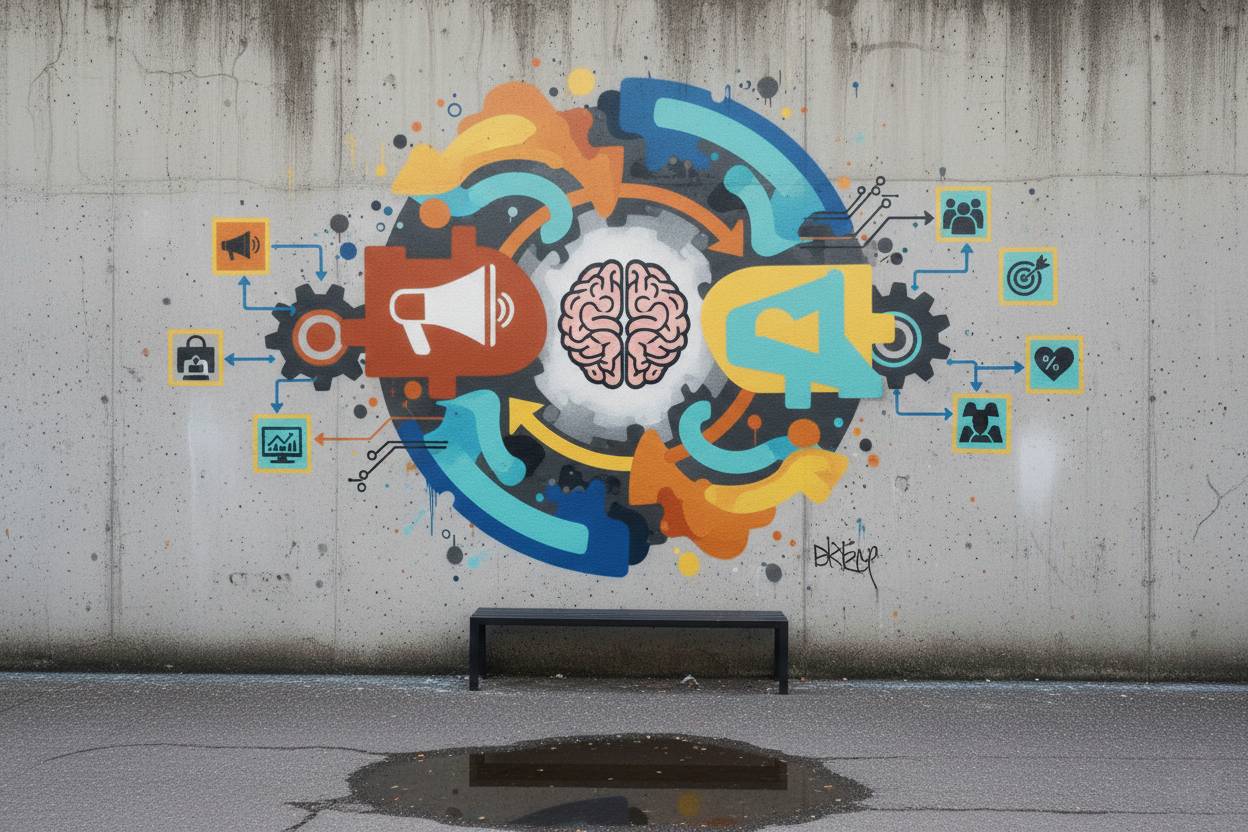
The bridge between complex engineering and human satisfaction is User-Centered Design (UCD). This philosophy moves beyond mere aesthetics, focusing on the iterative process of understanding who the users are and what problems they are solving. By integrating human psychology with technical functionality, developers and IT professionals can create products that feel intuitive rather than intrusive. The ultimate goal is to reduce the cognitive load on the user, ensuring that the technology serves the person, rather than the person struggling to serve the technology.
Empathy Mapping
This technique involves deep research to understand what users say, think, do, and feel during their journey. It helps teams move past their own biases to see the product through the eyes of the person who will actually use it daily.
Personas Development
Creating detailed, fictional characters based on user research allows developers to target specific needs and pain points. These personas act as a compass for every feature update, ensuring the product remains relevant to its core audience.
The Core Philosophy of User-Centered Design
At its heart, UCD is an optimistic framework that assumes every technological hurdle can be cleared by focusing on human behavior. It shifts the development focus from “Can we build this feature?” to “Should we build this feature for our users?” This mindset requires a constant feedback loop where developers and stakeholders remain humble enough to pivot based on user data. When implemented correctly, it transforms a standard software application into an indispensable tool that feels like a natural extension of the user’s workflow.
Behavioral Analysis
This involves studying how users naturally interact with interfaces without prompts. By observing where they click or where they get frustrated, designers can remove friction points that might not be obvious in a vacuum.
Mental Models
A mental model is what a user believes about the system at hand. Designing in alignment with these existing beliefs ensures that the learning curve for new software is significantly flattened for the average person.
Accessibility as a Foundational Requirement
True user-centered design is inclusive by default, ensuring that technology is usable by people with a wide range of abilities and disabilities. This means considering visual impairments, motor challenges, and neurodiversity from the very first wireframe. Neglecting accessibility is not just a moral oversight; it is a failure of professional design that limits the product’s market reach. High-contrast themes, screen reader compatibility, and keyboard-friendly navigation are no longer “extra” features but essential components of a professional build.
WCAG Compliance
The Web Content Accessibility Guidelines provide a rigorous framework for making digital content accessible. Following these standards ensures that IT products meet legal requirements and provide a seamless experience for all.
Inclusive Research
Testing products with a diverse group of participants helps uncover barriers that able-bodied designers might overlook. This proactive approach prevents costly redesigns and fosters brand loyalty among underserved communities.
Iterative Prototyping and Testing
The path to a superior product is rarely a straight line; it is a series of loops consisting of prototyping, testing, and refining. Designers must embrace the concept of “failing fast” by creating low-fidelity wireframes to test concepts before writing a single line of production code. This saves immense amounts of time and resources by identifying logic flaws or usability issues early in the lifecycle. Professional IT environments thrive when they treat every release as a hypothesis that requires validation through actual user interaction.
Low-Fidelity Wireframing
These are simple sketches or digital outlines that focus on structure rather than style. They allow teams to iterate on the core logic of an interface without getting distracted by colors or fonts.
Usability Testing
Watching a user attempt to complete a task with your prototype reveals the “truth” of your design. These sessions provide qualitative data that is far more valuable than internal opinions or stakeholder guesses.
Consistency and Standardized Patterns
Users spend most of their time on other websites and apps, meaning they expect your product to behave in familiar ways. Professional design utilizes established UI patterns to provide a sense of security and ease. Whether it is the placement of a “settings” gear or the behavior of a navigation bar, consistency across the platform prevents confusion. When a product is consistent, users can transfer their knowledge from one section to another, making the entire ecosystem feel cohesive and polished.
Design Systems
A design system is a library of reusable components and standards that guide the creation of all digital products. It ensures that every button, form, and icon looks and behaves the same way across an entire enterprise.
Visual Hierarchy
By using size, color, and spacing, designers can guide the user’s eye to the most important information first. A strong hierarchy makes complex data sets manageable and reduces the time spent searching for actions.
Data-Driven Decision Making
While empathy is the soul of UCD, data is its backbone. Professional bloggers and designers in the IT space must rely on heatmaps, A/B testing, and click-through rates to justify design choices. Balancing qualitative feedback from interviews with quantitative data from analytics provides a holistic view of product health. This approach removes the “loudest voice in the room” syndrome, allowing actual user behavior to dictate the roadmap of the product.
A/B Testing
This method compares two versions of a page or feature to see which one performs better. It provides concrete evidence on which design elements drive the most engagement or conversion.
Heatmap Analysis
Heatmaps show where users are looking and clicking most frequently. They are essential for identifying “dead zones” in an interface or sections that are causing unexpected confusion.
Statistics
- 70% of online businesses fail because of bad usability and poor user experience.
- Every $1 invested in UX yields a return of $100 (an ROI of 9,900%).
- 88% of online consumers are less likely to return to a site after a bad experience.
- Mobile users are 5 times more likely to abandon a task if a site isn’t optimized for mobile.
- Intentional and strategic user experience has the potential to raise conversion rates by as much as 400%.
- 94% of a user’s first impression of a product is related to its design and layout.
- Slow-loading websites cost retailers $2.6 billion in lost sales each year.
Case Study: The Three Hundred Million Dollar Button
A major e-commerce retailer once had a form that required users to “Register” or “Login” before they could complete a purchase. Research showed that many users felt intimidated by the word “Register,” thinking the site wanted to track them. The design team replaced the “Register” button with a “Continue” button and added a simple note: “You do not need to create an account to make purchases.” The result was an immediate 45% increase in purchases, leading to an additional $300 million in revenue within the first year. This simple shift in language and user flow, based on understanding user hesitation, remains one of the most famous examples of UCD success.
Common Mistakes
- Designing for Yourself: Developers often assume users have the same technical knowledge they do, leading to overly complex interfaces.
- Feature Creep: Adding too many features can clutter the UI and distract users from the primary goal of the product.
- Ignoring Feedback: Collecting user data but failing to implement changes based on that data renders the entire UCD process useless.
- Neglecting Mobile Users: Designing for desktop first and treating mobile as an afterthought often leads to broken experiences for a majority of the audience.
- Lack of White Space: Crowding the screen with information overwhelms the user and makes navigation difficult.
FAQ
How does UCD differ from standard UI design? UI focuses on the look and feel, while UCD is a broader process that includes the psychological and behavioral journey of the user from start to finish.
Is User-Centered Design expensive to implement? While it requires upfront investment in research and testing, it significantly reduces long-term costs by preventing the development of features that no one wants or uses.
Can UCD be applied to backend systems? Yes. Even internal tools and APIs benefit from UCD principles by making them more intuitive for the developers and engineers who must maintain them.
Conclusion
User-Centered Design is not a luxury; it is a professional necessity in the modern IT and computer science sectors. By prioritizing empathy, accessibility, and data-driven iteration, we create products that don’t just function, but flourish in a competitive market. As technology becomes more integrated into our daily lives, the responsibility of the designer to protect the user’s time and mental energy grows. Ultimately, the most successful products are those that disappear into the background because they work exactly the way a human expects them to.ury; it is a professional necessity in the modern IT and computer science sectors. By prioritizing empathy, accessibility, and data-driven iteration, we create products that don’t just function, but flourish in a competitive market. As technology becomes more integrated into our daily lives, the responsibility of the designer to protect the user’s time and mental energy grows. Ultimately, the most successful products are those that disappear into the background because they work exactly the way a human expects them to.
