

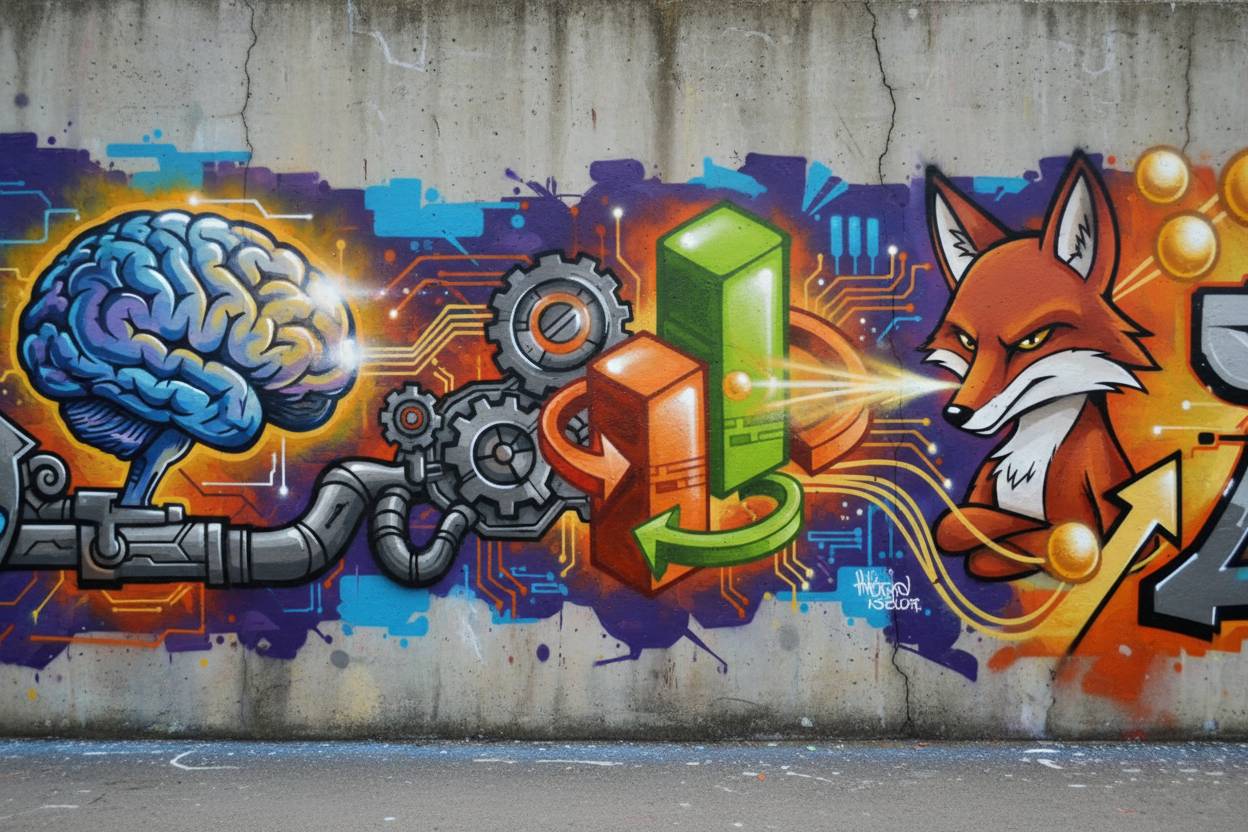
Vector graphics are the backbone of modern design, offering scalability without losing quality. Unlike raster images, vectors remain sharp at any resolution, making them ideal for branding and digital media. Designers rely on vector tools to create logos, icons, and illustrations that adapt seamlessly across platforms. Clean vector designs ensure professional aesthetics and technical precision. This makes them indispensable in industries from publishing to web development.
- Scalability in design: Vectors can be resized infinitely without pixelation.
- Cross-platform adaptability: Vector files integrate smoothly into web, print, and mobile applications.
Adobe Illustrator as the Industry Standard
Adobe Illustrator remains the most widely used vector design tool globally. Its advanced features, such as the Pen Tool and Shape Builder, allow designers to craft precise and complex illustrations. The software integrates with Adobe Creative Cloud, enabling collaboration and workflow efficiency. Professionals appreciate its versatility in typography, branding, and digital art. Illustrator’s dominance is reinforced by its continuous updates and support for modern design needs.
- Pen Tool mastery: Enables precision in creating curves and shapes.
- Creative Cloud integration: Streamlines collaboration and asset management.
Alternatives to Adobe Illustrator
While Illustrator leads the market, alternatives like CorelDRAW, Affinity Designer, and Inkscape provide competitive options. CorelDRAW is popular in print and signage industries, while Affinity Designer offers affordability with professional-grade features. Inkscape, being open-source, appeals to beginners and educators. These tools expand accessibility for designers with varying budgets and requirements. Choosing the right tool depends on project scope and technical needs.
- CorelDRAW for print: Strong in layout and signage design.
- Affinity Designer affordability: Professional features at a lower cost.
Essential Features for Clean Vector Designs
Clean vector designs depend on tools that support precision and efficiency. Features like grid alignment, snapping, and pathfinder operations ensure accuracy. Advanced typography tools help maintain consistency across branding projects. Export options, including SVG and EPS, guarantee compatibility with multiple platforms. These features collectively enhance workflow and final output quality.
- Grid and snapping tools: Maintain alignment and symmetry.
- Pathfinder operations: Simplify complex shapes into clean designs.
Case Study: Branding with Vector Tools
A mid-sized e-commerce company redesigned its logo using Adobe Illustrator. The old raster logo appeared blurry on mobile apps and packaging. By switching to vector graphics, the company achieved sharpness across all platforms. The redesign improved brand recognition and reduced printing costs by 20%. This case highlights how clean vector designs directly impact business performance.
- Logo redesign impact: Enhanced clarity across digital and print media.
- Cost efficiency: Reduced printing expenses through scalable vector formats.
Common Mistakes in Vector Design
Many beginners misuse raster images within vector projects, leading to poor scalability. Overcomplicated paths and excessive anchor points can reduce file efficiency. Ignoring alignment tools often results in unprofessional layouts. Another mistake is neglecting proper export formats, causing compatibility issues. Avoiding these pitfalls ensures clean, professional vector outputs.
- Raster misuse: Leads to pixelation when scaling.
- Excessive anchor points: Creates inefficient and messy files.
FAQs on Illustrator Tools for Clean Vector Designs
- What makes vector graphics better than raster images? Vector graphics are resolution-independent, ensuring clarity at any size.
- Can free tools compete with Adobe Illustrator? Yes, tools like Inkscape offer strong capabilities, though they may lack advanced features.
- Why is clean vector design important for branding? It ensures consistency and professionalism across digital and print platforms.
- Is Illustrator suitable for beginners? While complex, beginners can learn gradually with tutorials and practice.
Statistics
- 73% of professional designers use Adobe Illustrator as their primary vector tool.
- CorelDRAW holds a 12% market share in print and signage industries.
- Affinity Designer grew its user base by 35% in 2024 due to affordability.
- 89% of logos in Fortune 500 companies are created with vector tools.
- Vector-based designs reduce printing costs by up to 25% compared to raster formats.
- 67% of educators recommend Inkscape for teaching vector basics.
- The global graphic design software market is projected to reach $16.6 billion by 2030.
Conclusion
Illustrator tools for clean vector designs empower professionals to create scalable, precise, and visually appealing graphics. From branding to digital art, vectors ensure adaptability across platforms. Adobe Illustrator leads the industry, but alternatives provide valuable options for diverse needs. Avoiding common mistakes and leveraging essential features ensures professional outcomes. As businesses increasingly rely on digital presence, clean vector designs remain a cornerstone of modern communication.trategy for long-term digital growth.
