

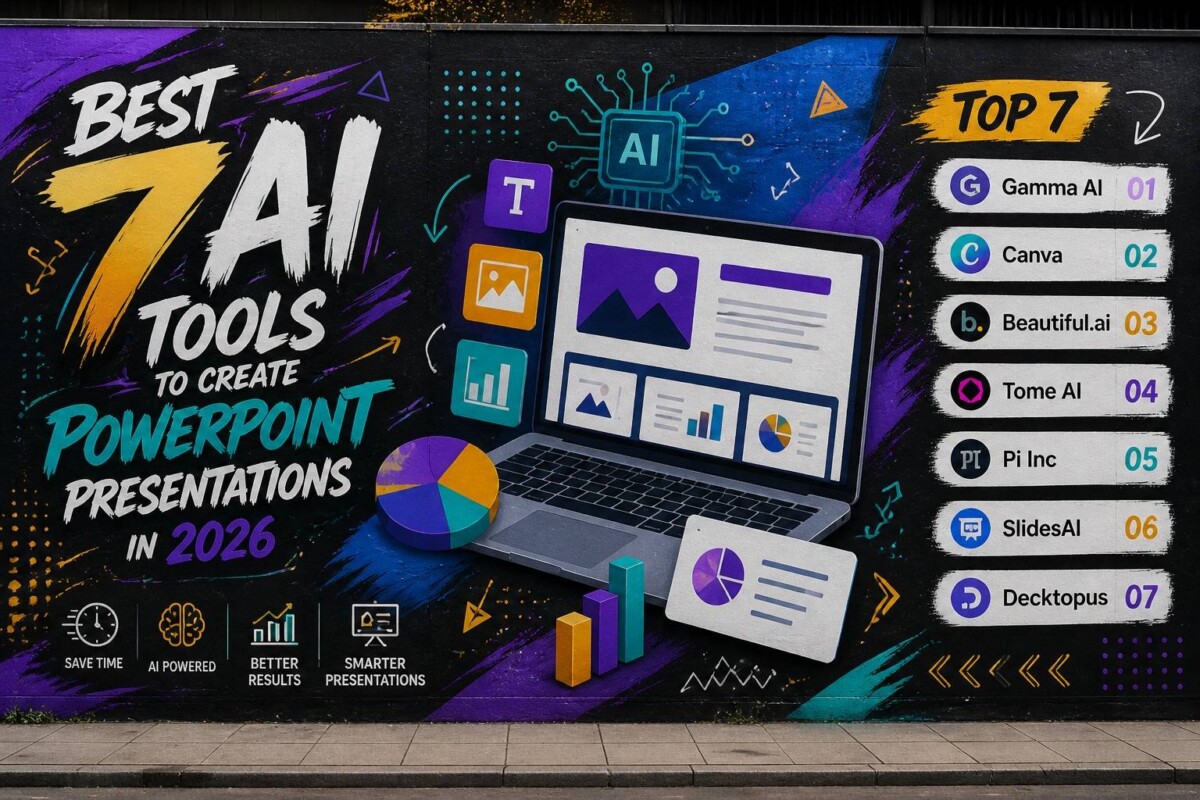
Let’s be real—building slides from scratch in Microsoft PowerPoint is time-consuming, repetitive, and honestly… outdated. In 2026, AI tools can handle everything from writing content to designing slides in minutes.
If you want faster results, better design, and less effort, these are the top 7 AI tools you should be using right now.
1) Gamma AI
Gamma is one of the most talked-about AI presentation tools right now. Instead of forcing you into traditional slides, it builds a smooth, scrollable presentation that feels modern and clean. You just type your topic, and it generates the structure, text, and visuals automatically. It’s super fast and surprisingly accurate. The interface is simple, which makes it easy even for beginners. If you hate complicated tools, this one feels refreshing.
Pros:
- Super fast generation
- Clean and modern design
- Great for storytelling
Cons:
- Limited control over detailed slide design
- Not ideal for traditional corporate formats
Final take:
If you want something quick, modern, and different from PowerPoint—Gamma is a top pick.
2) Canva (Magic Design AI)
Canva has turned into a full AI design machine. Its Magic Design feature lets you create presentations in seconds by just entering a prompt. It gives you multiple styles, layouts, and branding options instantly. The drag-and-drop editor makes customization super easy. Plus, it has a massive library of templates, icons, and images. It’s basically the easiest entry point into AI presentations.
Pros:
- Beginner-friendly
- Huge template library
- Strong branding tools
Cons:
- AI output can feel generic
- Advanced users may want more control
Final take:
Perfect for beginners and fast projects—but not always the most unique.
3) Beautiful.ai
Beautiful.ai focuses on one thing: making your slides look professionally designed without effort. As you add content, it automatically adjusts layout, spacing, and alignment. This means no more messy slides. It’s especially useful for business presentations where consistency matters. The templates are polished and ready for real-world use. It’s less about creativity and more about clean execution.
Pros:
- Auto-formatting saves time
- Professional-looking results
- Great for business use
Cons:
- Less creative flexibility
- Limited customization
Final take:
Best for corporate decks where clean design matters more than creativity.
4) Tome AI
Tome is built around storytelling, not just slides. It combines AI writing, visuals, and layout to create presentations that actually feel engaging. You can generate content, add AI images, and structure your story in seconds. It’s ideal for pitches and creative work. The output feels more like a narrative experience than a static presentation. That’s what makes it stand out.
Pros:
- Strong storytelling focus
- AI-generated visuals
- Interactive feel
Cons:
- Not ideal for formal presentations
- Limited export flexibility
Final take:
If you care about storytelling and impact, Tome is a solid choice.
5) Pi Inc
Pi Inc is a newer tool but growing fast. It lets you create full presentations from text, PDFs, or even links. The AI organizes your content into structured slides with clean visuals. It’s simple to use and doesn’t require design experience. While it’s still evolving, it already shows strong potential. It’s a good option if you want automation without complexity.
Pros:
- Multiple input formats
- Fast slide creation
- Simple interface
Cons:
- Still relatively new
- Limited advanced features
Final take:
Promising tool—worth trying, but not fully mature yet.
6) SlidesAI
SlidesAI works directly inside Google Slides, which makes it super convenient. You just paste your text, and it turns it into slides instantly. It’s great for people already using Google Workspace. The process is simple and efficient. It’s not flashy, but it gets the job done quickly. Think of it as a productivity booster.
Pros:
- Easy to use
- Works داخل Google Slides
- Fast text-to-slide conversion
Cons:
- Limited design creativity
- Basic output compared to competitors
Final take:
Best for speed and simplicity—not for high-end design.
7) Decktopus
Decktopus focuses on making presentations interactive and engaging. It can generate content, suggest visuals, and even add forms or Q&A elements. It’s designed for people who present live. The AI helps you structure your talk effectively. It also includes voice and script assistance. That makes it more than just a slide tool.
Pros:
- Interactive features
- AI-driven structure
- Presentation coaching
Cons:
- Less known than competitors
- Limited design flexibility
Final take:
Great for live presentations—but not the best for pure design.
📊 5 Important Statistics About AI Presentations
- Over 70% of professionals say AI tools save them significant time when creating presentations.
- AI-powered design tools can reduce presentation creation time by up to 80%.
- Around 65% of marketers now use AI tools for content and presentations.
- Presentations with visual storytelling are 43% more persuasive than text-heavy slides.
- The global AI productivity tools market is expected to grow by over 20% annually through 2030.
❓ FAQ (Frequently Asked Questions)
1) Are AI presentation tools better than PowerPoint?
Not always better—but definitely faster. AI tools help you create presentations quickly, while PowerPoint gives you more control.
2) Can AI create a full presentation automatically?
Yes. Most tools like Gamma or Pi Inc can generate full slides including content, design, and structure in minutes.
3) Are these tools free?
Most offer free plans, but advanced features usually require a paid subscription.
4) Which tool is best for beginners?
Canva is the easiest to start with due to its simple interface and templates.
5) Can I use these tools for business presentations?
Absolutely. Tools like Beautiful.ai and Tome are widely used for professional and business presentations.
Final Thoughts
AI is not just changing how we build presentations—it’s completely redefining the process. Instead of spending hours designing slides, you can now focus on your message while AI handles the heavy lifting.
If you want speed → go with Gamma
If you want simplicity → use Canva
If you want business-ready slides → choose Beautiful.ai
